Managed Network & Wi-Fi
Wi-Fi you stop thinking about
We design the wireless around your actual building, install it during business hours without dropping your connection, and then watch it for you. When something drifts, we usually know before you do.
Mon – Fri 9am – 5pm AEST · reply within 24 hours
What's included
What you actually get
Not a feature list assembled from datasheets — the work we do on every managed network & wi-fi project, including the parts that get skipped when somebody is in a hurry.
A survey before any hardware
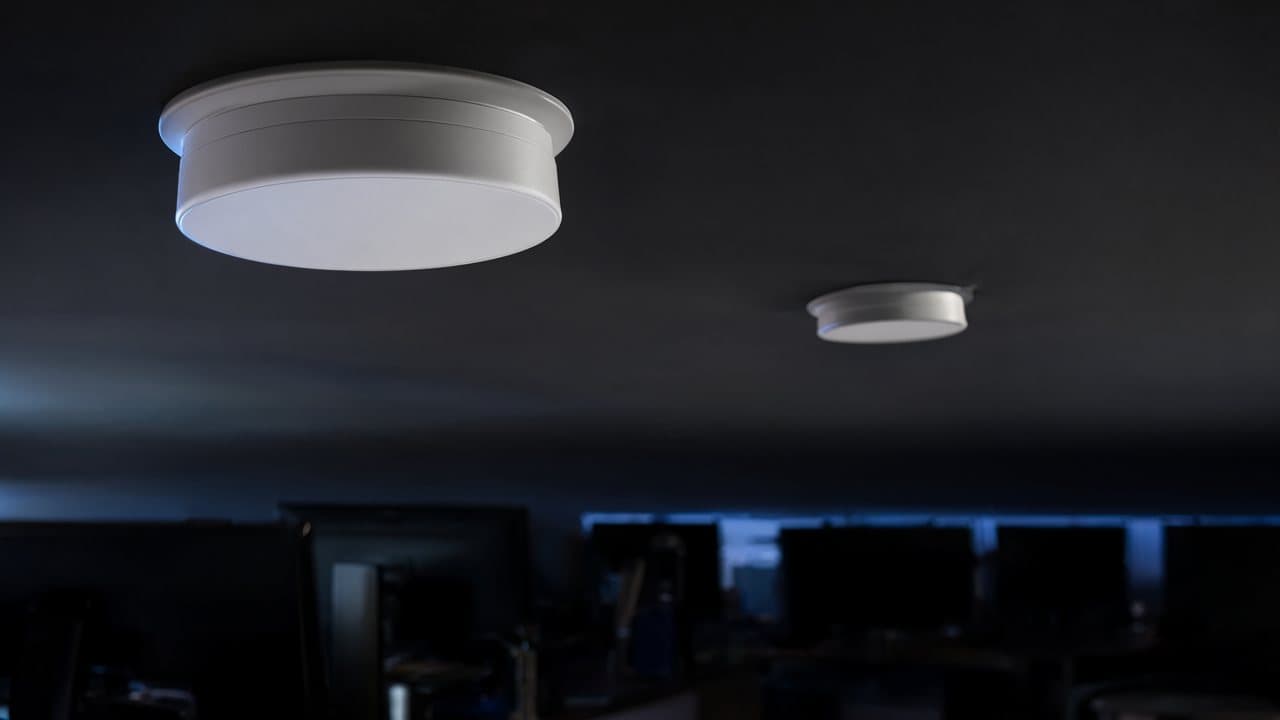
We walk the space and map signal at desk height, not in a straight line from the ceiling. Walls, fridges, foil-backed insulation and glass partitions all get accounted for, and you get the coverage plan before you approve the quote.
Access points placed for capacity
Placement is about client count and channel overlap, not just dead spots. We set channels and transmit power per AP rather than leaving the controller to auto, which is what turns 'it works sometimes' into consistent throughput.
Separate networks for the right traffic
Guest Wi-Fi, IoT and cameras, and your corporate LAN on separate VLANs. Your smart TV cannot reach the accounting share, and a guest device cannot see the point of sale.
Managed controller and monitoring
The UniFi controller is hosted and maintained by us: firmware, config backups, adoption of new hardware, alerts when a device drops offline. You do not own a login to babysit.
Switching and gateway sized properly
PoE budgets, uplink capacity and NAT table sizes checked against how you actually use the network, so the access point is never the thing holding the room back.
Documented handover
A labelled rack photo, IP scheme, device list and credential location. If we are ever not the ones servicing it, the next person can read what we built.
Who it suits
If any of these sound like you
- Offices of 5–200 people where one bad conference call is a business problem
- Multi-site businesses that want one configuration standard, not three different setups
- Anyone whose current Wi-Fi is the ISP box on a shelf by the door
- Workplaces adding CCTV, access control or a POS system onto the same network
How it works
Four steps, no surprises
- 1
Free health check
On-site or remote. We measure what you have now, including the coverage holes nobody has tested, and tell you what is genuinely worth changing.
- 2
Design and fixed quote
AP count and placement, cabling runs, VLAN plan, and a price that does not move once you approve it.
- 3
Install without downtime
Configured and tested before we touch your existing network. Cut-over happens after hours or in a window you choose.
- 4
Managed from day one
Monitoring, firmware, and a named number to call when you want to talk to someone who has seen your config.
Questions
The things people ask first
Do we need new cabling?
Often no. If you already have data points with PoE-capable switches, we can usually reuse them. Where a ceiling is open or a room is genuinely uncovered, we will quote the cabling separately so you can see exactly what it costs and why.
Our current Wi-Fi is the router the NBN provider gave us. Is that a problem?
It is normal, and it is usually the main limitation. That device is doing routing, NAT, wireless and phone all at once for hundreds of dollars less than the job needs. We replace the wireless layer and keep the handover simple.
How long does an install take?
A single site is typically a day of work on site after the design is signed off, with configuration done beforehand. Multi-site or cabling-heavy jobs get a written schedule with the quote.
What does it cost?
It depends on floor area, construction and how many clients connect at once, which is why we will not quote from a phone number. The health check is free and the design that follows is a fixed price.
Can you manage equipment we already bought?
Often yes, if it is UniFi or compatible. We audit it first and will tell you honestly when replacing it is cheaper than supporting it.
Get a straight answer on Managed Network & Wi-Fi
Book the free health check and an engineer will look at your site, test what people assume is working, and put the findings in writing. No obligation, and no follow-up campaign if you decide to do nothing.
Usually needed alongside this
Internet & Connectivity
Business fibre from 10Mb to 10Gb across 7,000+ buildings nationwide. Private connectivity and failover options for cloud-heavy teams.
What's included →
Network Security (SD-WAN)
Encrypted site-to-site connections and modern SD-WAN. Replace expensive MPLS with intelligent, software-managed links.
What's included → Free
Network Health Check
A free, no-obligation audit of your IT and network infrastructure. On-site assessment, analysis, and a clear written report with prioritised recommendations.
What's included →